

Description
Choosing the right PDF editor is essential for efficient and hassle-free document management. A wide range of PDF editors is available on the market, each tailored to different user needs — from general-purpose editing to specialized advanced functions word to pdf.
It’s critical to select software that matches your specific editing requirements, as some PDF editors may struggle with complex formatting or demand additional software installations.
Users leverage diverse software to create and edit PDFs. Popular options include UPDF, PDF ELEMENT, AVEPDF, PDF Studio, PDF Professional, PDF Viewer Annotation Expert, Master PDF Editor, Foxit PDF Editor, Apple Preview, and Google Docs.
1. UPDF

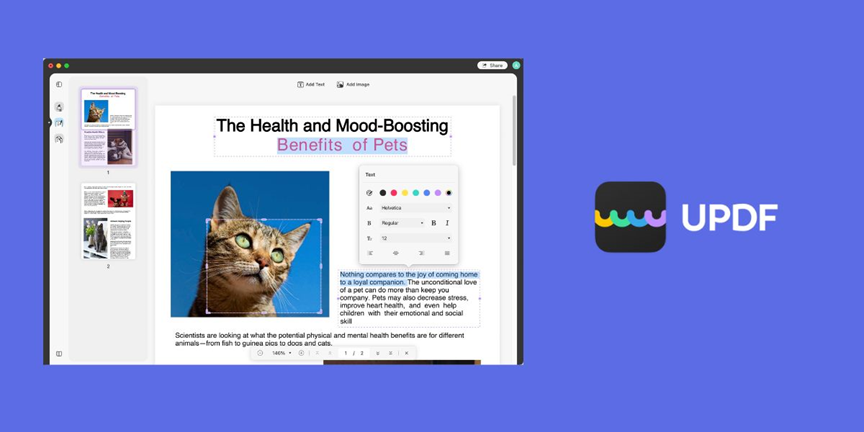
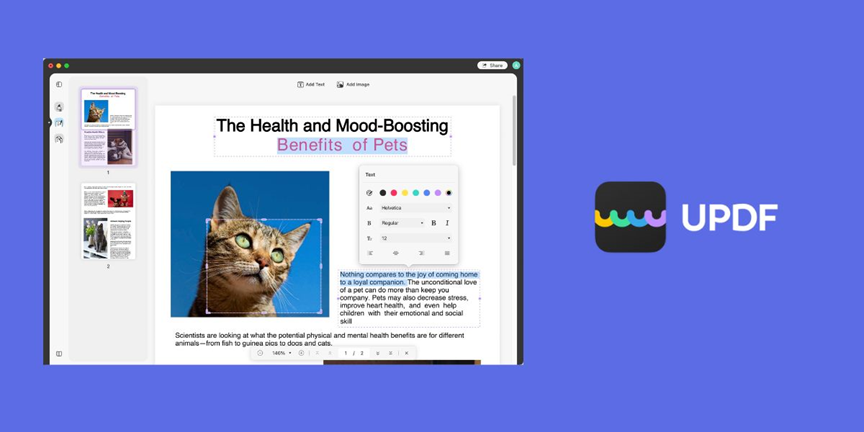
UPDF Editor is a highly acclaimed free PDF editor praised for its clean interface, user-friendliness, and top-tier performance. It imposes no file size limits, saves edited files without watermarks, boasts fast load times, and ensures data security. Available on macOS, iOS, and Android, UPDF offers a truly versatile editing experience.
Unlike many free PDF editors that come with ads, watermarks, or restricted functions, UPDF provides comprehensive editing options at no cost. Key features include:
- Easy addition and editing of text—copy, paste, and delete supported
- Customization of text properties such as font size, color, style, and typeface
- Insertion, cropping, and removal of images directly from your device ROTATE PDF
- Multi-tab support for simultaneously working on several documents
- Adjustable page views optimized for different screen sizes and bookmark functionality for easy navigation
- Annotation tools including highlight, underline, strikeout, sticky notes, and text field comments
- Ability to insert and draw various shapes—rectangles, ovals, arrows, and lines
- Effortless page management: delete, reorder, extract, replace, and insert blank pages
- Sharing capabilities via email, support for digital signatures, stamps, and diverse stickers
- Easy printing options
2. PDF ELEMENT
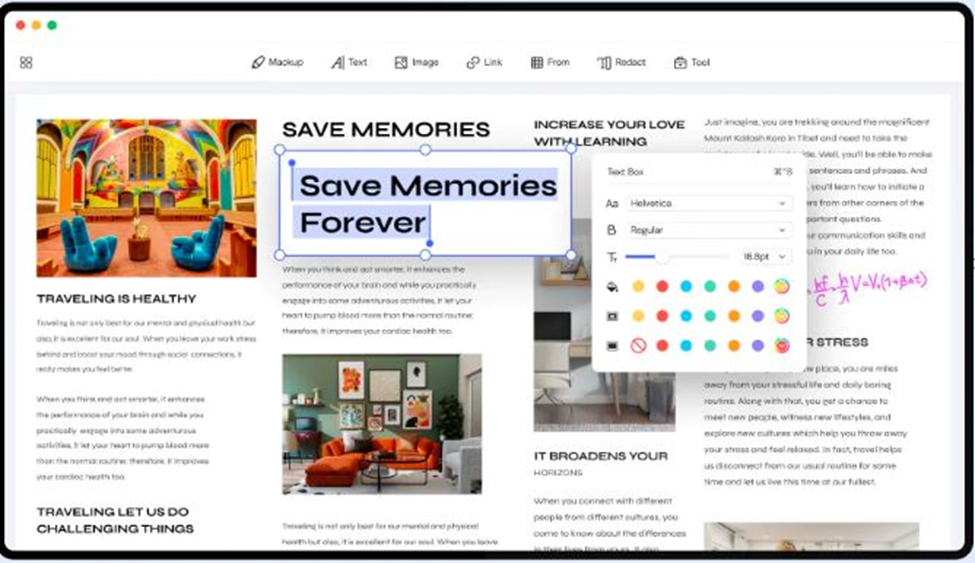
PDF ELEMENT is a leading PDF editor widely recognized as a compelling alternative to Adobe Acrobat. Known for fast, high-quality PDF editing, it offers a comprehensive free trial and affordable paid options. Available for Windows and Mac, PDF Element supports features such as text editing, annotation, form creation, and batch processing.
PDF became a prevalent standard for electronic documents in the 1990s. PDF Element facilitates seamless document management—including brochures, flyers, and official documents—making it an excellent choice for personal and professional use.
3. AVEPDF
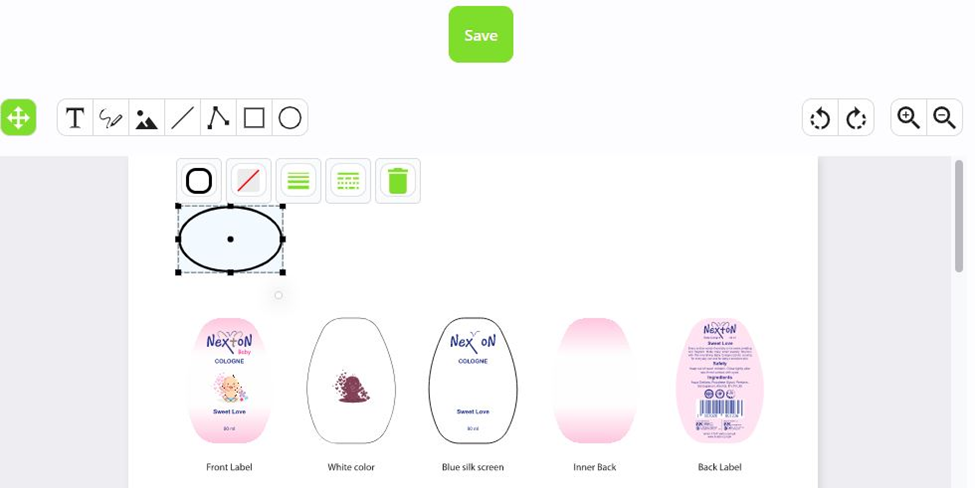
AVEPDF Editor is a robust and user-friendly PDF editor tailored for Windows, offering all essential PDF editing capabilities like text editing, page management, formatting, and document creation. Additional powerful features include page extraction, splitting large PDFs, renaming, watermarking, digital signature additions, and format conversions.
Available as free, open-source software for Windows, macOS, and Linux, AVEPDF features an intuitive interface, text formatting, annotation tools, customizable toolbars, bookmarking, and printing options. Its extensive customization capabilities make it a great tool for both beginners and advanced users.
4. PDF Studio

PDF Studio Editor is a versatile tool for creating, editing, and managing PDF documents. Its user-friendly design supports text annotation, password protection, and workflow automation, simplifying document handling. Users can easily incorporate text, images, signatures, and customize document appearance with font adjustments and colors.
Integrated sharing features allow effortless collaboration and distribution of PDF files.
5. PDF Professional
PDF Professional is a comprehensive and intuitive PDF editor tailored for both personal and professional use. It supports extensive features like text formatting, flexible hyperlinking, password security, and annotations, alongside advanced tools for organizing and managing documents.
This software enables quick PDF creation and editing, including graphics inclusion, password protection, and optimization for printing or online viewing. Compatible with multiple platforms including Microsoft Office versions and Adobe Acrobat Reader, PDF Professional is a strong choice for business workflows removal.
6. PDF Viewer Annotation Expert
PDF Viewer Annotation Experts specialize in utilizing annotation tools to enrich PDFs by adding notes, highlights, and hyperlinks that enhance document comprehension. These capabilities are invaluable as the reliance on PDFs grows in professional environments.
Annotation automation tools expedite this process, allowing users to add comments and interactive elements without modifying original document content manually.
7. Master PDF Editor
Master PDF Editor is an essential tool for frequent PDF creators and editors, offering a comprehensive set of features such as text editing, image insertion, and document organization. Its intuitive interface and powerful capabilities make complex PDF tasks straightforward.
While LibreOffice offers free basic editing, Master PDF Editor provides more advanced, paid options for professional-grade PDF manipulation, available on Windows and macOS.
8. Foxit PDF Editor
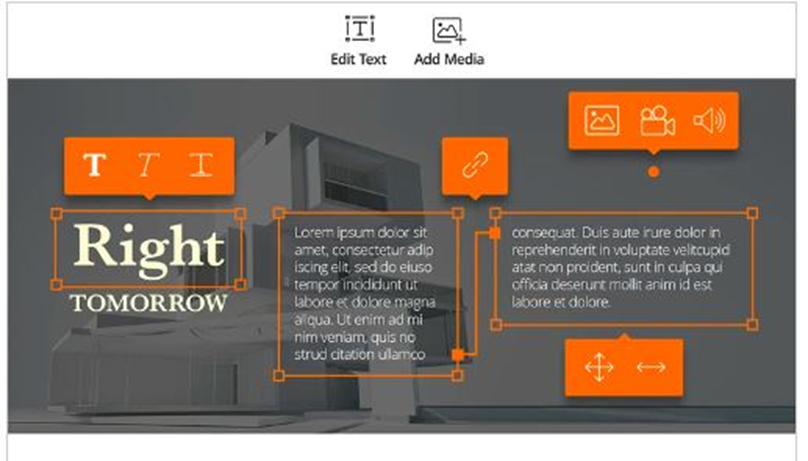
Foxit PDF Editor is a free, user-friendly PDF editing software that enables both creation and management of PDF documents. It includes key features such as password protection, annotations, watermarks, and a built-in document scanner to convert text or images into PDF format.
With Foxit’s streamlined interface, users can efficiently navigate and modify PDFs without complex instructions.
9. Apple Preview
Apple Preview is a versatile macOS app that allows users to view and edit images, videos, and PDFs effortlessly. Its straightforward interface supports numerous file formats, making it ideal for quick edits on the go.
The software enables text, image, and video additions as well as annotation, with tools for shaping layouts and creating diagrams. Apple Preview is perfect for reviewing and sharing content quickly before final edits.
10. Google Docs
Google Docs is a popular web-based platform for creating, viewing, and editing documents collaboratively in real-time. It supports multiple formats including text, images, and videos, with offline editing capabilities that sync changes once online.
As a free tool accessible on various devices, Google Docs facilitates seamless sharing and collaboration via Google Drive, making it an excellent option for document editing and teamwork.
Conclusion: UPDF is the Best Choice
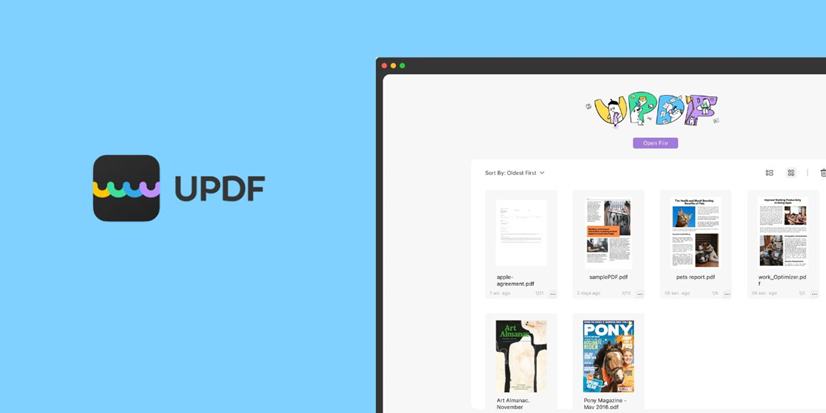
In summary, UPDF stands out as the top choice for PDF creation and editing across macOS, iOS, and Android. Its balance of ease-of-use, comprehensive features, and reliability makes it suitable for individuals and small businesses alike.
Despite strong competitors in the market, UPDF’s advanced editing tools, file conversion options, and batch processing technology deliver powerful performance that meets the demands of even the most experienced PDF users.
For more detailed features and functionality, visit the official UPDF website: UPDF.
Additionally, if you want to discover more about Sizing and Loading please check out our Technology page.
Frequently Asked Questions (FAQs)
UPDF is widely regarded as the best free PDF editor in 2024 due to its comprehensive feature set, no watermarks, and availability across multiple platforms including Windows, macOS, iOS, and Android.
Yes, UPDF and several other editors such as Foxit PDF Editor and Apple Preview offer mobile versions that allow users to edit PDFs on smartphones and tablets efficiently.
No, UPDF is a standalone application that does not require installing extra software to perform full PDF editing functions.
Most reputable PDF editors, including UPDF, PDF Element, and Foxit, implement security features like password protection, encryption, and safe file handling to protect sensitive information.
Yes, many editors such as UPDF, PDF Element, and AVEPDF support PDF conversion to formats like Word, Excel, and image files.
With UPDF, there are no file size limits or page restrictions in the free version, offering users flexibility for both small and large documents. Other editors may impose limits or watermarks.
Some editors like Google Docs facilitate collaboration on PDF content by allowing multiple users to view and edit documents in real-time, while others support comment and annotation sharing features.