


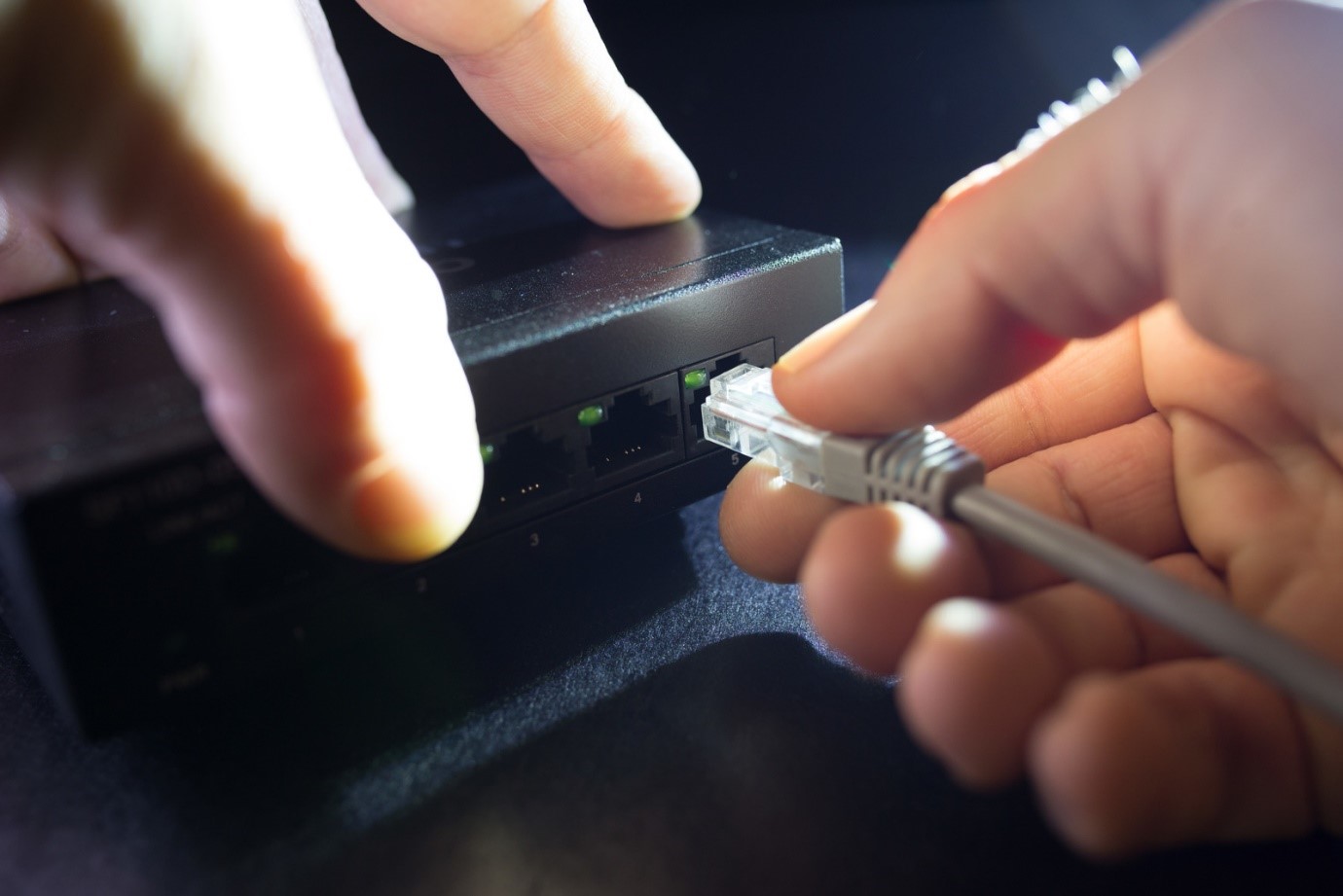
The Internet is the most crucial network supporting modern business operations. It enables seamless communication, entertainment, and access to an extensive array of information. At the heart of any network lies the network switch, an essential device that connects multiple devices to share resources effectively. For comprehensive details and services related to network switches, please visit IT Support New Orleans.
What is Meant by a Network Switch?
A network switch is a hardware device that enables the connection of two or more computers or network devices, facilitating communication and resource sharing. When multiple IT devices are linked via a switch, they form a communications network, allowing access to shared printers, servers, and other resources.
Network switches connect devices both within local environments and extend connectivity across broader networks. Typical connected devices include PCs, printers, servers, routers, fax machines, smartphones, and other network-enabled tools. They achieve connectivity through multiple ports—most commonly ranging from four to six, though larger switches can offer dozens or even hundreds of ports.
Switches are often categorized as appliance-based, distinct from network components like firewalls, wireless access points, and routers. Dedicated network switches are foundational in modern IT infrastructure, enabling efficient data exchange within local area networks (LANs) and the broader Internet.
How Does a Network Switch Work?
Network switches operate by forwarding data packets only to the devices with the intended Media Access Control (MAC) addresses. Each device on the network has a unique MAC address embedded in its network interface card (NIC). The switch maintains a MAC address table that maps each connected device to its corresponding port, ensuring efficient data delivery.
Unlike IP addresses, which can change based on network location, MAC addresses are permanent identifiers for devices. This hardware-level identification allows the switch to route data packets accurately within the network.
While routers direct data packets between different networks via IP addresses, switches handle traffic within the same network by linking ports to destination MAC addresses. Switches typically support full-duplex communication, enabling devices to send and receive data simultaneously, effectively doubling bandwidth usage and reducing network collisions.
Network switches operate primarily on Layer 2 (Data Link Layer) and some advanced switches provide Layer 3 (Network Layer) functionality, including routing capabilities, VLAN segmentation, and traffic management to enhance network efficiency.
What is the Difference Between a Router and a Switch?
The key difference lies in their functions: routers determine the optimal paths for data packets to traverse different networks, including wide area networks (WANs) and the Internet. Switches, on the other hand, connect devices within the same local network and facilitate data exchange between them.
For internet connectivity, routers are essential devices. Homes and small offices typically use routers with integrated switch ports. However, when multiple Ethernet connections are required for a larger network—such as in enterprises, data centers, or campuses—dedicated network switches are deployed to handle increased traffic and device density efficiently.
Different Types of Switches
The size and type of a switch depend on the number of devices to be connected and the network speed and bandwidth requirements. Larger networks generally require switches with more ports and advanced management features.
Common types of switches include:
Unmanaged Switches
Unmanaged switches are cost-effective, plug-and-play devices ideal for home networks and small businesses. They require no configuration or monitoring and allow easy expansion by simply connecting additional switches. Their simplicity makes them suitable for straightforward environments with basic connectivity needs.
Managed Switches
Managed switches offer advanced features such as network monitoring, traffic control, VLAN configuration, and enhanced security. They are essential in larger, more complex networks that require precise control over traffic flow and network management. Managed switches are configured using protocols like Simple Network Management Protocol (SNMP) and provide comprehensive diagnostic and management capabilities.
Network Hubs and Switches
Network hubs are basic devices that connect multiple computers but broadcast incoming data to all connected devices, leading to network congestion and slower performance as the network grows. In contrast, switches intelligently send data only to the intended recipient device, significantly improving network efficiency and speed.
Unlike hubs, switches require power to operate and are usually connected directly to routers to facilitate internet access for the connected devices.
Which Network Switch Is Right for You?
Choosing the right network switch depends on your current and future networking requirements. For basic connectivity between a few computers, an unmanaged switch with enough Ethernet ports may suffice. However, for growing businesses or environments with high data demands, investing in a managed switch with more ports and higher-speed capabilities is advisable.
It’s not necessary to equip every port with gigabit speeds unless required by your applications. For high-speed internet connections, consider switches that support fiber optic uplinks or have several high-bandwidth uplink ports to handle large data transfers efficiently.
If you’re interested in learning more about Why Small Businesses Should Take Cybersecurity Seriously, explore our Business category for detailed insights and resources.
Frequently Asked Questions (FAQs)
The primary role of a network switch is to connect multiple devices within a local area network (LAN) and forward data packets only to the intended device based on its MAC address, enabling efficient communication and resource sharing.
No. While switches connect devices within a local network, routers are required to connect different networks and provide internet access by directing traffic between your LAN and the internet.
Unmanaged switches are simple, plug-and-play devices with no configuration options, suitable for small or simple networks. Managed switches offer advanced features such as traffic monitoring, VLAN support, and security controls, ideal for complex or growing networks.
The number of ports needed depends on the number of devices you plan to connect now and in the future. It’s recommended to choose a switch with more ports than currently required to accommodate network growth.
Switches typically operate at Layer 2 (Data Link Layer) but some advanced switches can operate at Layer 3 (Network Layer) with routing capabilities. Routers primarily operate at Layer 3 to route traffic between different networks.